5 Education Video Ad Examples: Short-Form Certification Ads Made from Course Materials
Explore five education video ad examples you can create with course brochures, class recordings, and instructor photos. Choose a format that fits your existing materials and see how to make your first ad and follow-up versions with AdForge.
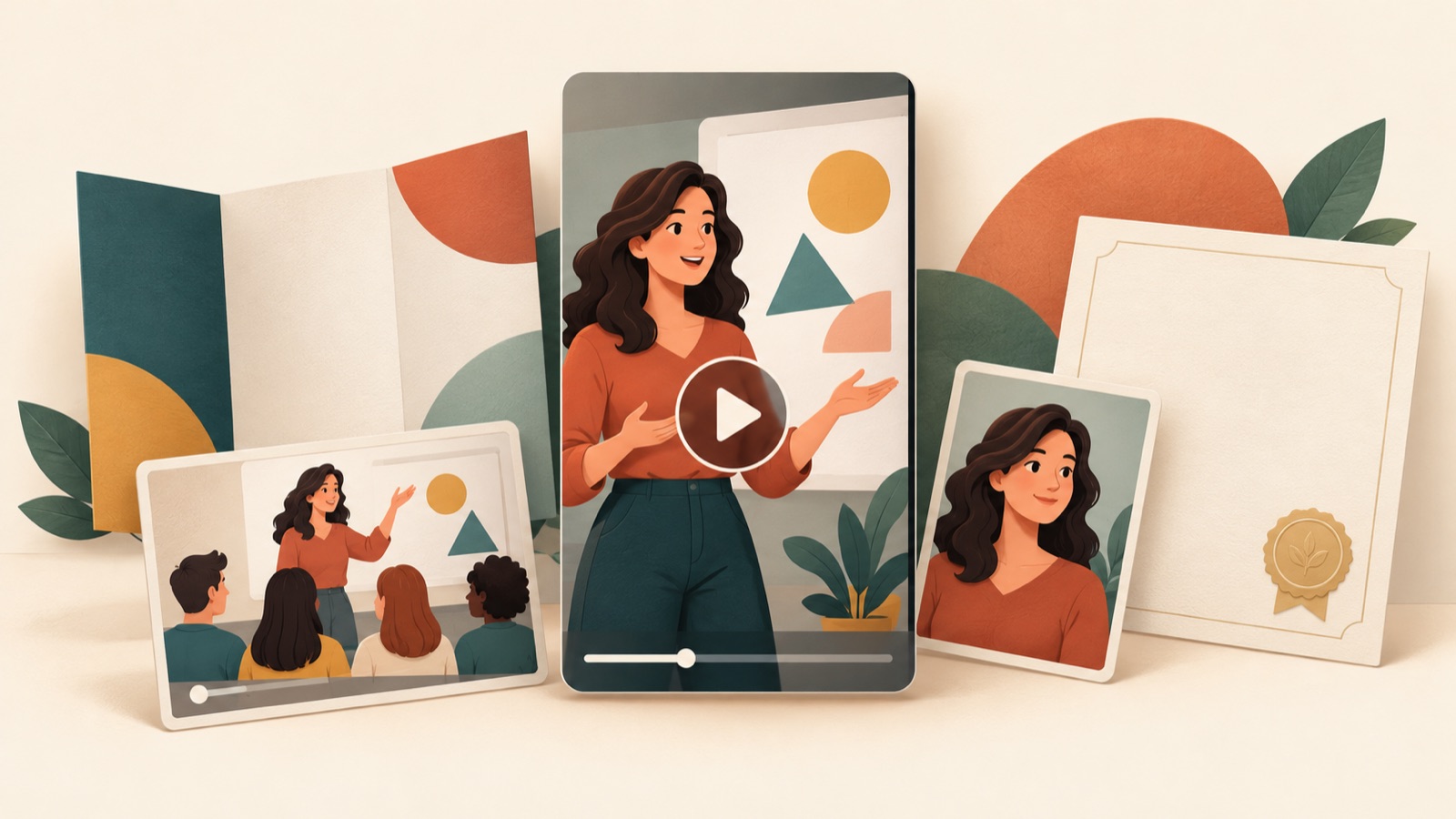
If you are looking for education video ad examples, start by choosing a question your existing materials can answer. With class recordings, you can begin with a course preview; with instructor photos and credentials, an instructor introduction; and with a course guide, a video explaining how the course works or when enrollment opens. All examples below are hypothetical examples for fictional certification courses. Each explains the opening scene and sequence, the materials to substitute, and the production steps in AdForge.
1. Address a Learning Concern

This is a hypothetical example. Ask someone preparing to study for a certification, “Bought the textbook but not sure where to start?” Open with photos of an open textbook and disorganized notes, then show the actual course outline in the next scene. End with “See the study sequence for each subject.” This format introduces a concern, then shows the specific guidance the course provides. TikTok’s official creative guidance also recommends a sequence that moves from a hook to a differentiator and a call to action.2
Choose this format when your course brochure explains the study sequence or introductory course. When adapting it to your course, use one question that has actually come up in consultations instead of a vague expression of anxiety. In AdForge, choose an ad reference that opens with a question, then enter your existing photos, course information, and the study guidance you want to highlight. Check the generated script and storyboard to make sure the course outline follows naturally from the question, and review the Korean narration and captions. For a follow-up version, keep the same outline and change only the opening question for comparison.
2. Preview a Class

This is a hypothetical example. Open an accounting certification course ad with a problem and the line, “Which category would you record this transaction under?” Then show a segment from an existing class recording in which the instructor explains the reasoning behind the solution. Structure it so viewers can follow the reasoning instead of simply displaying the correct answer in large text, and end with “Explore the course structure.” Course previews, educational tips, and actual classroom scenes are content options suggested in TikTok’s official education marketing materials.1
This format works well when you have a class recording that shows how the instructor explains things. It gives viewers clues to help them decide whether the course suits them. However, starting halfway through a solution without context can make the content difficult to understand. In AdForge, choose a reference centered on an explanation, then add a recording you have confirmed you have permission to use, along with the background to the problem. Edit the AI script and storyboard to include the necessary explanation, then check the result. For your own course, replace the problem and explanation, and choose a segment that makes sense on its own even as a short clip.
3. Explain How the Course Works
This is a hypothetical example. For a certification course aimed at working professionals, start with “How can I fit this course into my schedule?” Use a photo of a laptop on a desk for the first scene, the actual course interface for the next, and confirmed details about the access period and learning format for the final scene. Give each scene one question to answer instead of cramming information into one side of the screen. The purpose of this format is to show prospective students how learning could fit into their daily lives. It is a good choice when you have materials that explain the course’s actual terms and features.
When adapting this format to your course, first distinguish between recorded lessons and classes students attend at set times. Include mobile access or repeat viewing only if they are actually available. In AdForge, upload photos or videos of the course interface and course information, and use the sequence of a reference that shows the steps involved. In the generated storyboard, check the transitions from logging in to selecting a lesson and studying, and compare the conditions stated in the Korean captions against the source materials. If you only have a course guide, narrow the video to explaining the confirmed learning format instead of making it look as though you are showing the actual interface.
4. Introduce the Instructor
This is a hypothetical example. Open with an instructor photo and the question, “How does this instructor explain confusing concepts?” Next, show a diagram from that instructor’s teaching materials that breaks down a concept, followed by a brief introduction to their confirmed teaching subjects and relevant experience. End with “Meet the instructor and explore the curriculum.” Showing explanatory materials alongside credentials helps readers get a sense of the teaching style. This format can work when you have instructor photos and a profile but cannot film a new interview.
Photos and credentials alone have limits when it comes to showing how effectively an instructor teaches. If you have no materials that demonstrate their explanations, focus on their subject area and the course structure. In AdForge, choose a reference centered on introducing a person, then add photos and teaching materials you have confirmed you have permission to use, along with verified credentials. Edit the AI script and check that descriptions of the instructor’s experience do not overstate the source materials. Write the AI narration as a course introduction so it will not be mistaken for the instructor’s actual statements or voice. Creating one follow-up version focused on credentials and another on explanatory materials lets you present different reasons to choose the course.
5. Announce Enrollment Dates

This is a hypothetical example. For a fictional professional certification preparation course, open with “Have you checked the next course start date?” Display the course name and confirmed start date prominently, then show a class photo and the intended learners. End with the actual enrollment deadline and “Check the course schedule.” Start dates and enrollment deadlines are also content options suggested in TikTok’s official education marketing materials.1 The purpose of this format is to give people considering the course the information they need to take the next step. Choose it when the schedule is confirmed, and do not invent deadlines or remaining seat counts.
Here is the process for creating it in AdForge. On the ad search screen, search for education ads and save references with useful opening scenes and date placements. Review the saved ads’ hook, pacing, cut, and caption analyses to decide on a structure to draw from. When creating the video, upload course introduction materials and existing photos and videos, then enter the course name, target learners, and confirmed schedule. In the AI-generated script and storyboard, edit the order in which dates appear and the informational wording, then check the Korean narration and captions. If a scene in the result has a problem, regenerate just that scene, then download the video. Add the ad to your account, run it, and check performance directly in your existing ad management tools.
Key takeaways
Choose a course preview if you have class recordings; a learning concern, course format, or enrollment schedule video if you have a course guide; and an instructor introduction if you have instructor photos and materials. Add your reference and materials to AdForge, then review the script, storyboard, Korean narration, and captions to create your first ad. For the next creative, change the structure to answer a different concern about taking the course.
FAQ
Which example should I start with if I only have a course brochure and photos?
If you have enough course information, start with a video explaining how the course works. If your main materials are instructor photos and verified credentials, choose an instructor introduction. When you do not have actual class footage, choose content you can explain with your existing materials instead of a course preview.
What should I change in follow-up versions of a certification course video ad?
First, create formats that answer different questions, such as learning concerns and how the course works. Within the same format, you can change the opening question or one highlighted material for comparison. TikTok’s official creative guidance also suggests producing distinct creative versions.2
What should I edit first in an AdForge AI script?
Start by checking the course name, enrollment and access conditions, instructor credentials, start date, and enrollment deadline against the source materials. Then check whether the next scene answers the opening question. Remove any guarantees of passing or claims about learning outcomes that are not in the materials.
Can I expect good results if I use a long-running education ad as a reference?
It is difficult to judge performance from run duration alone. AdForge shows the number of days each ad has run, but use references as a guide for choosing hooks and sequences. Check the performance of your finished creative in the existing management tools for the ad account where you uploaded it.
Make your next ad with AdForge
AdForge (ad-forge.io) is an ad remake app: pick an ad you like and rebuild it as a video or image ad for your own product. Find references in the Meta and TikTok ad libraries, let AdForge write the script, AI narration and captions, then review and download. Every account starts with 12 free image ads.