5 AI Video Ad Creation Options for Beauty Products: Comparing 4 Tools and a Combined Workflow
Start by deciding whether you need a complete English-language ad or video shots that showcase your product. Compare four tools and one combined workflow by required inputs, what they deliver, and the editing left for you.
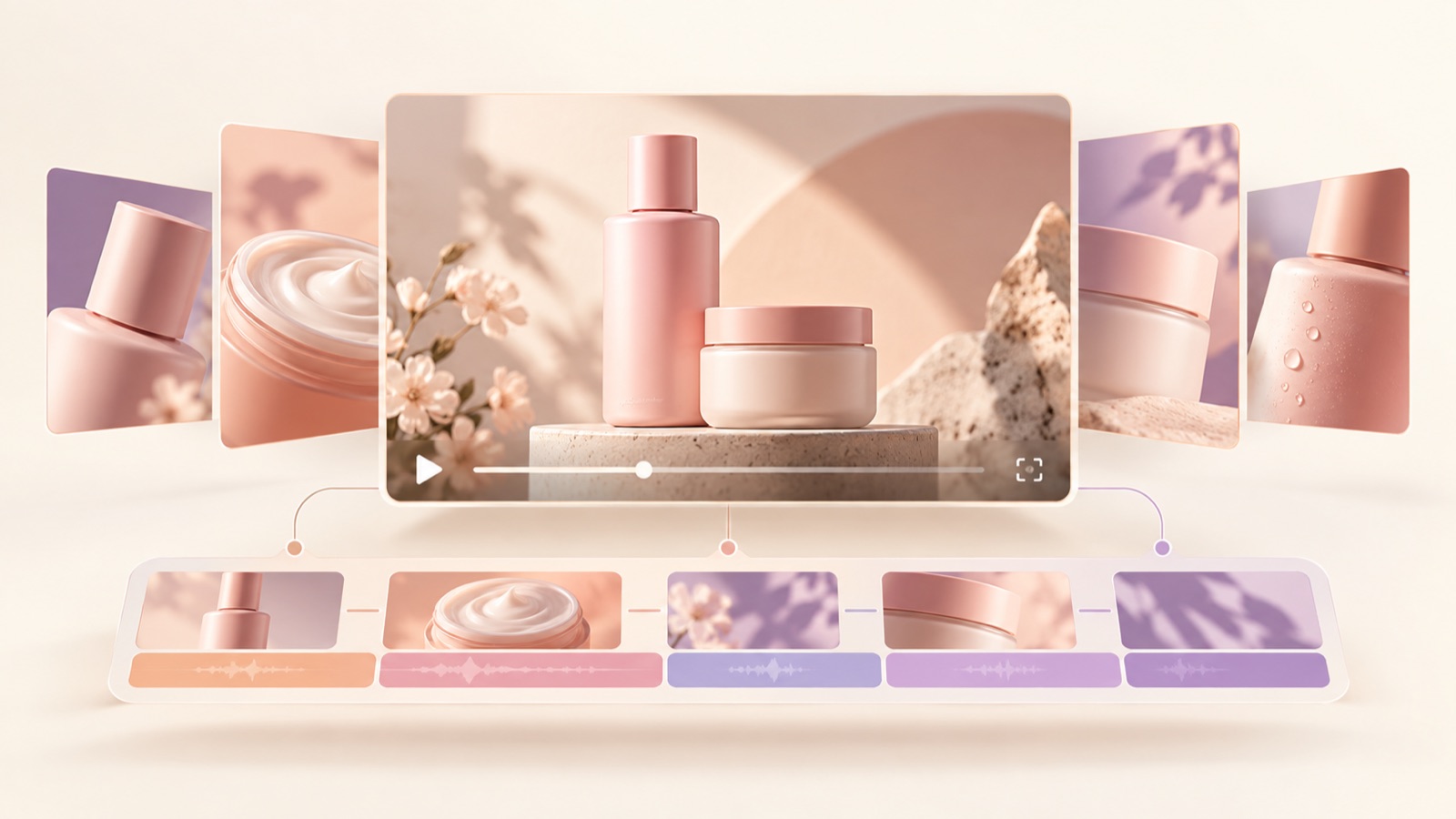
If you are looking for AI video ad creation tools for beauty products, choose based on the materials you have, how much of the finished ad you need, and the editing you will handle yourself. Using these criteria, we selected four tools and one combined workflow. Consider AdForge to create a complete English-language ad from references and product assets, or Creatify to work with product pages and avatars. Compare AdCreative.ai and Adobe Firefly if you need product-focused video.123 The options below are recommendations by task, not a ranking based on performance scores.
1. AdForge — Create a Complete English-Language Ad from References and Product Assets
AdForge is our service, and we run this blog. It is an ad remake app that lets you draw on an ad’s opening hook, narrative flow, visual composition, and call to action to create a new ad using your own product assets and messaging. It suits small brands that have product photos and existing footage but find it difficult to write scripts, shoot, and edit themselves. Its strength is a connected workflow that produces an editable script and storyboard, English AI narration, word-level captions, and background music.
Search the ad library for beauty references and save ads with the narrative flow you want. Review the analysis of each saved ad’s hook, shots, and captions, then add your product photos, footage, and selling points in the video creation step. Use your product page address to populate the product information and select English. Edit the product name, description, and purchase instructions in the script and storyboard, then check the resulting video’s voiceover, captions, and product depiction. Regenerate only the scenes that need changes, then download.
For a hypothetical cleansing balm ad, prepare a front-facing product photo, existing texture footage, and verified usage instructions. You could review an opening scene showing someone taking out the product, a middle section showing its texture, and a closing prompt to view the product. One limitation is that the generated product appearance and usage effects cannot be guaranteed to be accurate. You need to check your rights to use the uploaded assets and review the output yourself. Video ads are paid, and after downloading, you submit the ad and check performance in your existing ad management tools.
2. Creatify — Create Explainer Ads with Product Pages and Avatars
Creatify offers ad creation features including URL to Video, AI Avatar, Image Ad, and Ad Clone.1 It is a candidate when you want to start from a product page or explore an avatar-led product presentation. As a hypothetical example, consider an ad that explains a lip oil’s features and usage occasions in words. Deciding first how to divide the roles of product shots and the person explaining the product makes the production approach you need clearer.
Its strength is that you can compare a product-page-based approach with avatar-led presentation.1 However, a scene of an avatar explaining a product does not itself provide evidence of its actual color payoff or texture. The key work left for the marketer is to narrow the page’s lengthy description down to one ad message and check that the explanation matches the product assets. Compare AdForge first if you want to draw on a reference ad’s narrative flow, or Creatify if you want to center the ad on an avatar’s explanation.
3. AdCreative.ai — Prepare Product-Photo-Based Video and Ad Copy
AdCreative.ai offers video generation from product photos, ad creative generation, and ad copy generation.2 It suits marketers who want to prepare both visuals and copy using cosmetics photos they already have. For a hypothetical cream ad, you could separately plan a shot that shows the product prominently and copy that describes a usage occasion. This approach separates planning what video to generate from the photo from planning what to say to the customer.
Its strength is that you can evaluate product-photo-based video and ad copy generation within the same tool.2 The limitation is that this feature list alone does not establish that it offers the same scope for creating and editing English narration and captions. When choosing this tool, define product video and copy as the deliverables, and separately assign responsibility for adding English voiceover and captions. If you use AdForge to complete that stage, you can add the selected video as a product asset and begin by reviewing the script and storyboard.
4. Adobe Firefly — Generate the Product Shots You Need from Photos and Prompts
Adobe Firefly’s image-to-video feature generates video from photos and prompts.3 It suits marketers who already have an ad script and an editing direction but need additional product shots to insert. As a hypothetical example, you could submit a perfume photo with a request specifying an ivory background, soft side lighting, a composition centered on the bottle, and the movement you want. This example describes production conditions; it does not guarantee a particular result.
Its strength is a clearly defined approach that uses product photos and scene descriptions as inputs.3 The limitation is that work remains to connect the generated shots to the ad’s opening, reasons to buy, and call to action. If this is your first ad and you also need an English script, narration, and captions, define the full process for completing it first. If you have an editor and only lack a specific product scene, narrowing down the shots you need before evaluating Firefly makes it easier to define the scope of work.
5. Adobe Firefly + AdForge — Add Product Shots, Then Build an English-Language Ad
The fifth option is a combined workflow rather than a standalone tool. Generate the video you need in Firefly using photos and prompts, review the output, then add it to AdForge as a product asset.3 This suits situations where you have enough photos and product descriptions but lack scenes to support the ad’s narrative flow. For a hypothetical serum ad, start by generating just one product introduction shot against a bright background. The starting point is to distinguish what your existing footage will show from the role of newly generated background scenes.
Choose a reference in AdForge and enter your actual product photos, the footage you will use, and verified selling points. In the English script and storyboard, check what each scene is intended to explain, then review the output with voiceover and captions. The advantage is that you can handle missing-shot generation and the structure of the full ad separately. The limitation is that transferring assets and reviewing them adds more steps. If you can make your first ad with the assets you already have, start in AdForge and add this combined workflow when you identify a specific missing scene.
Key takeaways
Compare AdForge if you want to create a complete English-language ad from references and product assets, or Creatify if you want to use product pages and avatar-led presentation. If you need product-focused video first, AdCreative.ai and Firefly are candidates. Distinguishing a complete ad from individual video shots makes it easier to choose a tool and identify the work that remains.
FAQ
Where should a small beauty brand with only product photos start?
If your goal is a complete ad with English voiceover and captions, you can start in AdForge by preparing product photos, information, messaging, and a reference. If you want to secure product-focused video first, compare AdCreative.ai, which offers photo-based video features, with Firefly, which uses photos and prompts.23
What criteria should I use to compare Creatify and AdForge?
First decide how you want the ad to present your product. AdForge lets you draw on a reference ad’s hook and narrative flow to create a new ad with your own product assets. Creatify offers features such as URL to Video and AI Avatar, making it a candidate for exploring product-page-based creation and avatar-led explanations.1 Use the same product information to compare the editing work remaining before completion.
How does a product video shot differ from a finished ad?
A product video shot is a single scene showing the product. A finished ad connects that scene with an attention-grabbing opening, reasons to choose the product, and a call to action. If you also need English voiceover and captions, include them in the production scope separately from shot generation.
What should I compare in the first production results?
Use the same product photos and verified descriptions. Compare whether the product name, packaging, color, and description match your assets, whether the English voiceover and captions convey the same meaning, and what editing you had to do yourself before downloading. Assess production convenience separately from actual ad performance, and check performance after launch in your existing ad management tools.
Make your next ad with AdForge
AdForge (ad-forge.io) is an ad remake app: pick an ad you like and rebuild it as a video or image ad for your own product. Find references in the Meta and TikTok ad libraries, let AdForge write the script, AI narration and captions, then review and download. Every account starts with 12 free image ads.