5 Video Ad Makers for Travel Agencies: Compare Required Assets and Editing Workflows
Compare five tools for creating English-language social media video ads from destination photos and tour descriptions. Choose based on the assets you need and the editing work you will handle yourself.
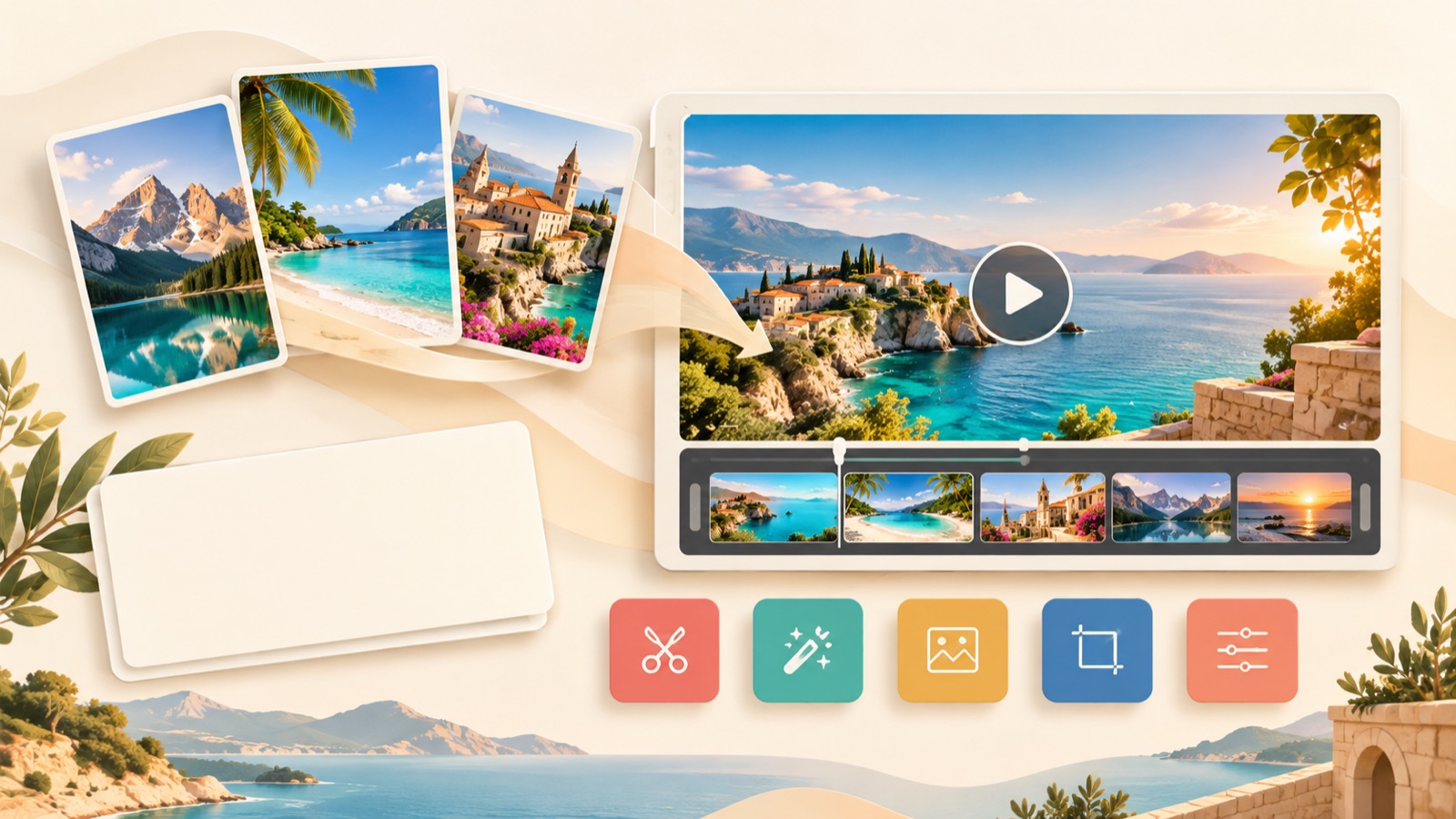
To create English-language social media video ads from destination photos and tour descriptions, first decide whether to use a reference ad’s structure or edit a template yourself. The tools here were selected based on how they use your existing assets and how much editing you will handle. AdForge appears first because it is the service behind this blog; the order does not indicate a performance ranking. This comparison will help you decide which production tool to use after working with text-based ChatGPT and how to prepare your travel product information.
1. AdForge — Adapt a reference ad’s structure to your travel product
AdForge is our service, and we operate this blog. It is an ad remake app that lets you choose an ad you like, add product photos, videos, and messaging, and create a new ad. It suits people who have travel product assets but find it difficult to write scripts, shoot footage, and edit videos themselves. It uses the reference ad’s opening scene, progression, visual layout, and call to action as a framework, while creating new content from the product information and assets you provide. Its strength is a workflow that connects an editable script and storyboard with English narration, subtitles, and music. However, video production is paid, and you must review the travel terms and the accuracy of the output yourself.
Start by searching Meta and TikTok ads for references, paying attention to the order in which they present the travel experience. Next, when entering your product information, prepare destination photos and videos, the itinerary, inclusions, and booking instructions. If information was filled in automatically from a product page address, check it against the actual sales terms. When creating the video, select English and review the opening scene and route in the script and storyboard. For the hypothetical example of a “Kyoto Half-Day Walking Tour,” check that the meeting point, mode of travel, and places visited match your materials. Once the video is complete, regenerate only the scenes that are incorrect, review the narration and subtitles, and download it.
2. Canva — Choose a template and edit each scene yourself
Canva lets you start production by searching for and editing video templates.2 It is a suitable option for marketers who have already decided which photos to show and in what order to present their copy, and who want to adjust each element visually. Its strength is that you can choose a starting structure from a template. However, selecting a template does not mean your travel product’s explanation is complete. Compare it on the understanding that you must first decide which photo to open with and which scene should show the inclusions.
For the hypothetical example of a “Coastal Village Day Tour,” sort your assets into scenery photos, footage of the actual journey, and activity photos before editing, then write a short English sentence for each scene. Giving each part a role—the reason to visit at the start, the actual itinerary in the middle, and booking instructions at the end—makes choosing a template easier. If adjusting the visual layout yourself feels burdensome, compare this with using a reference ad’s progression in AdForge. If you want to decide the placement of each scene yourself, start by looking at Canva’s template editing workflow.
3. InVideo — Turn an idea into a draft, then revise it
InVideo lets you enter an idea to create scenes, narration, subtitles, and music for a travel video, then revise it using text prompts and a timeline.1 It is worth considering if you have a travel concept you want to explain before you have a reference ad in mind. Its strength is that you can start and revise production through written instructions. However, you still need to assess whether the generated draft matches the actual itinerary. In particular, cross-check scenes whose locations and activities could be understood as factual representations of the product you are selling.
For the hypothetical example of a “Small-Group Winery Tour for Couples Visiting for the First Time,” do more than describe the mood: specify the actual region visited, transportation, included experiences, and exclusions. Revision requests are also easier to review when they are specific, such as “Remove wording that suggests accommodation is included and state that guests return the same day,” rather than “Make it more impressive.” Look at AdForge first if you want to follow an existing ad’s progression, or InVideo if you want to start a draft from an idea description and revise it using prompts and a timeline.1
4. Adobe Express — Arrange visuals within an ad template
Adobe Express offers drag-and-drop video ad editing, and its official page features TikTok ad templates for travel agencies.3 It suits marketers who have already selected their travel product’s key copy and photos and want to place them directly into an ad layout. Its strength is that you can explore travel agency ad templates as a starting point. However, rather than adopting a template’s wording or mood as is, assess whether it can convey the experiences your product actually offers.
For the hypothetical example of a “Half-Day City Tour Departing from the Airport,” first prepare the details of the airport departure and photos of the actual places visited. You could draft the ad by showing the situation in which someone would use the tour in the opening scene, the experiences at the destinations next, and information to check before booking at the end. Check that the places in the photos are included in the itinerary and that the ad does not read as though hotel transfers are also provided. Consider AdForge if you want to take your ad structure from a reference, or Adobe Express if you want to compose the visuals yourself within an ad template.
5. Promo — Build travel ads from existing footage and brand assets
Promo describes a travel ad creation workflow that uses templates, text, logos, existing footage, and brand assets.4 It is worth considering for travel agencies that already have destination footage and brand assets and want to bring them together into an ad. Its strength is that you can start production with the assets you have prepared. However, even with plenty of material, the marketer must decide which trip to offer and to which customers. Rather than putting several travel products into one video, first choose a single itinerary to sell in this ad.
For the hypothetical example of a “Weekend Nature Experience for Families,” divide your existing footage into scenery, activities, and travel scenes, then select only the assets that match the itinerary being sold. Next, prepare your brand assets and informational copy and arrange them to fit the template.4 Consider Promo if you want to edit around existing footage and your brand’s visual identity, or AdForge if you want to start with the hook and progression of an ad you like. For your first production, start with the same product description and set of assets, then compare what you need to revise yourself before completion. This will make your next choice easier.
Key takeaways
Consider AdForge to use a reference ad’s structure, Canva or Adobe Express to edit templates yourself, InVideo to start a draft from an idea, and Promo to bring together existing footage and brand assets. Start your first ad with one travel product you actually sell and verified materials.
FAQ
I have only used text-based ChatGPT. What should I prepare first?
Choose one travel product to sell and gather photos and videos of the actual destinations, the itinerary, inclusions and exclusions, meeting details, and booking instructions. Confirming the facts before creating English copy makes it easier to review the script and scenes.
Can AdForge also create English narration?
Yes. It can create English scripts, narration, and subtitles, and videos also include background music. You can edit the script and storyboard, so check destination names and inclusions first. Video ads are available on paid plans.
Can I consider AdForge if I only have photos of my travel product?
Yes. You can explore a workflow that uses your existing photos and product information together with a reference ad. Check that the locations and experiences shown in the output match the itinerary you actually sell, and confirm that you have permission to use the photos you upload.
Are completed ads published automatically?
AdForge does not yet have a feature that automatically runs ads through your ad account. You need to download the finished creative and upload it to your ad account yourself. Campaign setup, ad delivery, and performance tracking are handled in your existing ad management tools.
Make your next ad with AdForge
AdForge (ad-forge.io) is an ad remake app: pick an ad you like and rebuild it as a video or image ad for your own product. Find references in the Meta and TikTok ad libraries, let AdForge write the script, AI narration and captions, then review and download. Every account starts with 12 free image ads.