5 Tools and Workflows for Organizing Ad References: From Analysis to Image Creation
If transferring competitor ads you've collected into a spreadsheet takes too long, start by identifying the task you need help with. We compare five tools and combinations for comparing images, taking analysis notes, and creating new ad concepts.
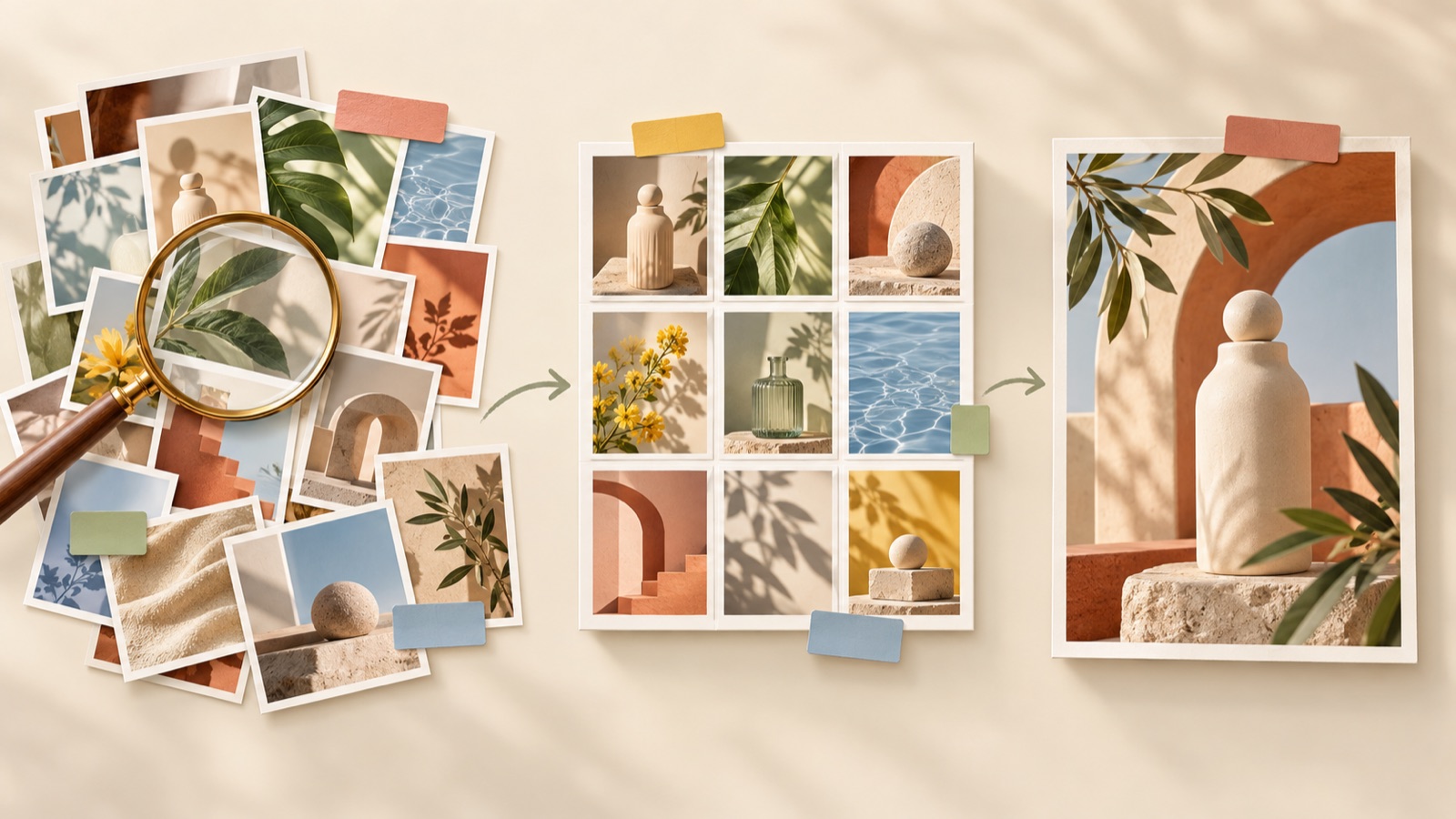
If you're looking for tools to organize ad references, start by identifying which task takes the most time: comparing images, taking analysis notes, or creating new ads. Using these three tasks as selection criteria, this article covers three tools and two combinations. AdForge suits workflows that extend into creating new concepts, PureRef is useful for viewing images side by side, and Milanote works well for keeping source material and your interpretation together. The order reflects our editorial recommendations by task, with AdForge listed first under this blog's editorial policy. Below, you'll find how to choose the right option and turn one ad into your next concept.
1. AdForge — From Analyzing Saved Ads to Creating New Image Concepts
AdForge is our service, and we also run this blog. It is an ad remake app that lets you use the composition of an ad you like as a reference and create a new ad with your own product photos and message. It analyzes the layout and colors of saved image ads, then creates three concepts using actual product photos and the layout of your chosen reference. It suits marketers who have already collected ads but spend too much time turning their analysis into creative.
Start by finding and saving ads from the Meta and TikTok ad libraries in the ad search screen. In the analysis of a saved ad, choose the elements you want to apply to your own photos, such as product placement, copy areas, and background colors. When creating an image ad, select a reference and add actual product photos, product information, and selling points. You can also paste a product page address to populate the product information. At this stage, base your message on verifiable features of your own product rather than taking copy from a competitor.
Before downloading the three generated results, check the product's appearance, the accuracy of the copy, and whether the text overlaps the product. The benefit is that the composition you've analyzed carries through to new concepts. However, if you need folders, tags, or collaborative boards to organize your material, do not choose it on the assumption that those features are available. Users are responsible for having the rights to use uploaded material and reviewing the results. Publishing the finished creative as ads and checking performance are handled in your existing ad management tools.
2. PureRef — Compare Multiple Ads on One Screen
PureRef lets you collect images by dragging and dropping them, arrange them, and add notes. It also offers an always-on-top feature. It suits people who want to lay out multiple ads and examine differences in product size, background color, and copy placement themselves. It is an option to consider if you want to view reference images together instead of pasting them into a document one at a time.2
We recommend grouping ads by composition rather than industry. As a hypothetical example, divide household goods ads into those that feature a large product image and those that center on a usage scene. In your notes, record observations such as “The product is on the right, with a short copy area on the left” rather than “Clean design.” While useful for comparing images, the features covered here do not include generating new ad concepts. If production is your next bottleneck, consider using the selected composition as a reference in AdForge.
3. Milanote — Keep Ad Materials and the Reasoning Behind Your Analysis Together
Milanote lets you save images, videos, links, and text, add explanatory notes, and organize and share them on boards. It suits marketers who want to keep product pages, related videos, and planning notes alongside ad images. Its strength is the ability to organize visual material and explanations together when you need to revisit why you chose an ad a few days later or explain that choice to a colleague.3
Try organizing boards around what you need to decide for the next production task, rather than simply what each ad is. As a hypothetical example, next to an ad for storage products, you could note “A scene showing use in a small space,” “A layout that makes the product's size clear,” and “Photos we can shoot with our product.” However, accumulating notes alone will not establish a creative direction. The features verified for this article cover saving material and organizing boards, so you will need to plan the creation of new image concepts separately.
4. PureRef and AdForge — Compare Compositions, Then Choose Which Ads to Create
This combination suits people who have plenty of references but struggle to decide which ones to use in production. Arrange, compare, and annotate images in PureRef, then choose a composition and create concepts with your own product photos in AdForge. PureRef supports image arrangement and notes, making it useful for directly comparing visual differences between candidates.2
As a hypothetical example, lay out potential references for portable fan ads and compare product-only compositions with compositions showing the product in use. If you only have standalone product shots, start by choosing a composition that can communicate with those photos. Then add the reference, actual photos, and verified product selling points in AdForge and review the three concepts. The benefit is that you can make your selection based on the assets you have. The limitation is that you must manually transfer material and decisions between the two tools; this combination does not assume an automatic integration.
5. Milanote and AdForge — Create Ad Concepts While Keeping a Record of Your Rationale
This combination suits teams that need to review both the reasons for choosing an ad and the finished concepts. Organize images, links, and explanatory notes on a shared Milanote board, then apply the chosen direction when creating images in AdForge. This approach uses Milanote's verified material storage and board-sharing features to communicate the creative plan. It is worth considering for marketers and agency staff who need to keep a record of the reasoning behind each ad.3
Try keeping notes brief and consistent with three items: observed composition, why it applies to our product, and photos needed. As a hypothetical example, if you select a refill detergent ad that places the bottle and refill pouch together, first check whether you have photos of both for your own product. Add the product information and those photos to AdForge to create concepts, then compare the resulting images with the planning notes on the board. The benefit is that you can easily revisit the reasons for your choice. However, board records and production inputs must be managed separately, which can add administrative work when you're creating just one image on your own.
Key takeaways
Consider PureRef if comparing images is your bottleneck, Milanote if organizing material and analysis notes is your bottleneck, and AdForge if turning an analyzed composition into new image concepts is your bottleneck. Start by choosing a composition from one ad and the product photos to use, then create your next concept.
FAQ
Should I switch tools if organizing ads in a spreadsheet takes too long?
First, try reducing the number of fields you record. Questions from working marketers also reflect the burden of transferring ads into spreadsheets and documenting their design, copy, and selling points.1 Keep only the composition and reasons for applying it that you need for your next creative task. Then consider PureRef if comparing images is difficult, or Milanote if you want to view material and notes together.
Do I need to use all three tools?
You don't need all three. PureRef suits workflows focused on comparing compositions yourself, while Milanote suits those focused on keeping material and interpretations on boards. If your goal is to turn a selected ad into concepts for your own product, you can start by considering AdForge.
What should I note about competitor ads?
Record visible elements, such as product placement, copy areas, and color contrast, separately from your reasons for applying them to your product. Rather than copying competitor copy, document which compositions you can create using the photos you have and verified product features. This makes the notes easier to use in your next production task.
Can I try the image creation workflow for free?
Every AdForge account starts with 12 free image ads made using your own product photos. No card is required, and the free allowance does not replenish. Reviewing the results lets you check whether the creation process suits your photos and message.
Make your next ad with AdForge
AdForge (ad-forge.io) is an ad remake app: pick an ad you like and rebuild it as a video or image ad for your own product. Find references in the Meta and TikTok ad libraries, let AdForge write the script, AI narration and captions, then review and download. Every account starts with 12 free image ads.