How to Use TikTok Creative Center: Find US Ads and Turn Them into Product Videos
To create TikTok ads for US customers, find references and choose a structure you can recreate with your own product. Follow the process from searching Top Ads to producing an English video.
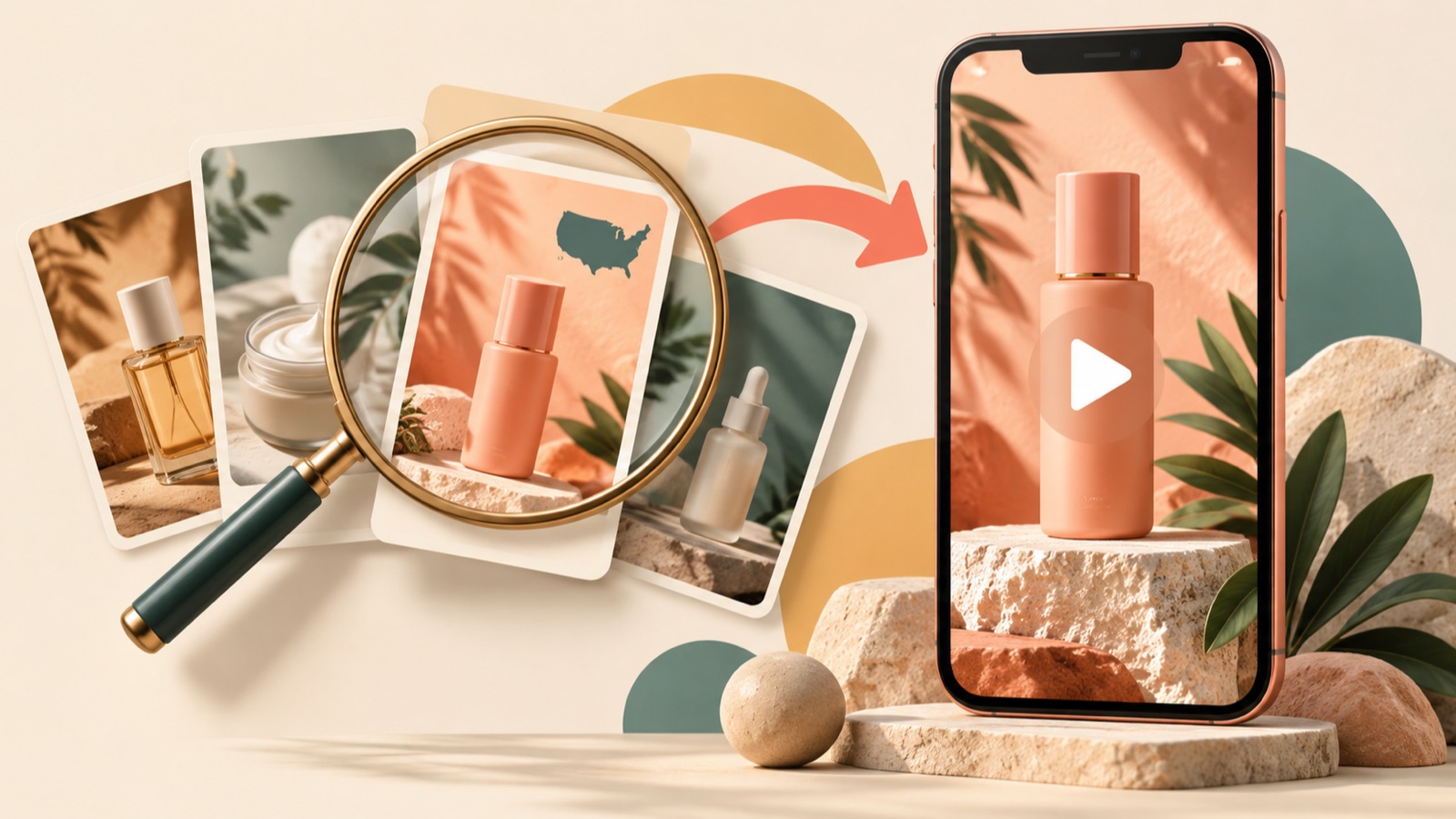
If you want to learn how to use TikTok Creative Center, start by narrowing Top Ads to the US market and relevant product keywords, then choose an ad structure you can create with your own assets. Outline the opening scene, product explanation, and call to action, then add your product assets to AdForge to move into English video production. This article walks you through choosing one reference and turning it into an ad for your own product.
Narrow Top Ads by US Market and Product Keywords
Search for your product name or related keywords in TikTok Creative Center’s Top Ads. Set the region to the United States, then select an industry and time frame to narrow your options. Top Ads offers product and keyword searches, region, industry, and time frame filters, and sorting by performance metrics. You can view only five ads when logged out, so it’s best to sign in first if you want to compare several candidates.1
For a hypothetical example, let’s say you sell a portable garment steamer. Start with the English product term “garment steamer.” If you don’t find enough candidates, try phrases describing the use case, such as “wrinkled shirt.” Keep the other settings unchanged when you switch keywords so you can tell which terms bring up relevant ads. The goal is to find candidates that address the same purchase concerns as your product, rather than collect a large number of videos.
Choose Ads You Can Recreate with Your Product
Sort the search results by performance metrics, then open individual candidates to compare them. Keep in mind that Top Ads includes ads whose advertisers have authorized their inclusion. Don’t treat the results as a complete list of a competitor’s ads or assume that an ad’s structure will deliver the same results for your product. Use the list as a starting point for finding messaging and narrative approaches to reference.12
When choosing candidates, consider three things together: the customer’s concern, how the product is shown, and the assets you have. If a steamer ad shows a close-up of wrinkles in a shirt, first check whether you have real assets that demonstrate that difference with your product. An ad built around product photos and demonstration footage may be a better fit for your current assets than one driven by a presenter’s delivery. Save suitable candidates and write one sentence explaining why you chose each one.
Turn the Hook, Product Explanation, and CTA into Production Notes
Watch your saved ad again, breaking it down into the hook, body, and close. TikTok’s creative guidelines cover this structure along with product visibility, CTAs, captions, transitions, and music. Write down what captures attention in the opening scene, how the product is explained in the middle, and what action viewers are asked to take at the end. To make your notes useful for production, record the sequence—for example, “a scene showing the problem is followed by the product in use,” rather than “the video is fast-paced.”3
Use the second-by-second relative performance graph in Top Ads to identify moments worth reviewing. Avoid assuming that a change at a particular moment was caused by captions or music; record what was on screen at that point as well.1 For the hypothetical steamer example, you could summarize the structure as “show a wrinkled shirt → show actual use → prompt viewers to check out the product.” Focus on deciding whether you can explain your product with that structure using your own assets, rather than copying the original dialogue.
Create an English Video in AdForge with Your Product Assets
Search for TikTok ads in AdForge and choose a reference to remake. Use the keywords and selection rationale you noted in Creative Center as your search criteria. For saved ads, you can review analysis of the hook, pacing, cuts, captions, voice, and music. When entering product information, paste the product page address to populate the details, then add real product photos and videos, along with the selling points and message you want this ad to communicate. Video ad production is available on paid plans.
Select English in video production, then review the AI-generated script and storyboard. For the hypothetical steamer example, align the opening with the wrinkles in the shirt, the body with the usage footage you uploaded, and the ending with a prompt to check out the product. Manually revise any descriptions your product assets cannot substantiate. AdForge adds AI narration, captions aligned word by word, and background music. If any scenes in the result feel awkward, regenerate just those scenes, then check the overall flow and download the video.
Finish a Video US Customers Can Understand and Plan Your Next Test
Before downloading, check that the English script, narration, and captions convey the same meaning. Make sure the product name and usage instructions match the actual assets on screen, and that the CTA aligns with the action on the sales page it will link to. Also check that you have the rights to use the photos and videos you uploaded. AdForge’s remake process uses the reference’s structure to create new content from the product information and assets you provide, so the key is to use explanations you have verified for your own product in place of the original ad’s claims.
Download the finished creative and upload it directly to your ad account. Set up and run the campaign, then review performance in your existing ad management tools. For your next video, define one question to test, such as what happens when you change only the opening scene. For example, you could keep the product explanation and CTA the same while comparing “an opening that shows wrinkles first” with “an opening that shows someone getting ready to go out.” Keeping production notes from your first video will help you choose future references based on what you can learn from them.
Key takeaways
Narrow your Top Ads candidates using the US region and product keywords, then choose a hook, body, and CTA you can show with your own assets. Add product information, photos, and videos to that structure to create an English ad in AdForge, then review the result, download it, and launch it yourself.
FAQ
Can I see all of a competitor’s ads in Top Ads?
No. Top Ads includes ads whose advertisers have authorized their inclusion. Don’t assume a competitor isn’t running ads just because they don’t appear in your search results.2
What should I change first if I get too few search results?
In addition to the product name, try English phrases that describe the use case or the customer’s concern. Keep the region, industry, and time frame unchanged when switching keywords, then broaden those filters one at a time so you can understand why the candidates changed.
Can I choose a good hook using only the second-by-second graph?
Look at the graph alongside the actual scenes. Top Ads provides a second-by-second relative performance graph, but changes in that graph alone are not enough to establish the effect of a particular caption or cut. Separately assess whether you can recreate it with your own product.1
Can I start with AdForge if I only have product photos?
You can start creating a video ad by adding product photos, product information, and your message. However, if you want to describe actual use, you need assets that substantiate that description. Review the script and storyboard around what your existing photos can communicate, rather than inventing demonstration results you don’t have.
Make your next ad with AdForge
AdForge (ad-forge.io) is an ad remake app: pick an ad you like and rebuild it as a video or image ad for your own product. Find references in the Meta and TikTok ad libraries, let AdForge write the script, AI narration and captions, then review and download. Every account starts with 12 free image ads.