Best Video Ad Tools for Home Service Businesses: 5 Options Based on Your Assets
You can start creating with just job photos and short clips. Choose a tool or combination based on whether you need help structuring the ad or simply want to add English voiceover and captions to an existing video.
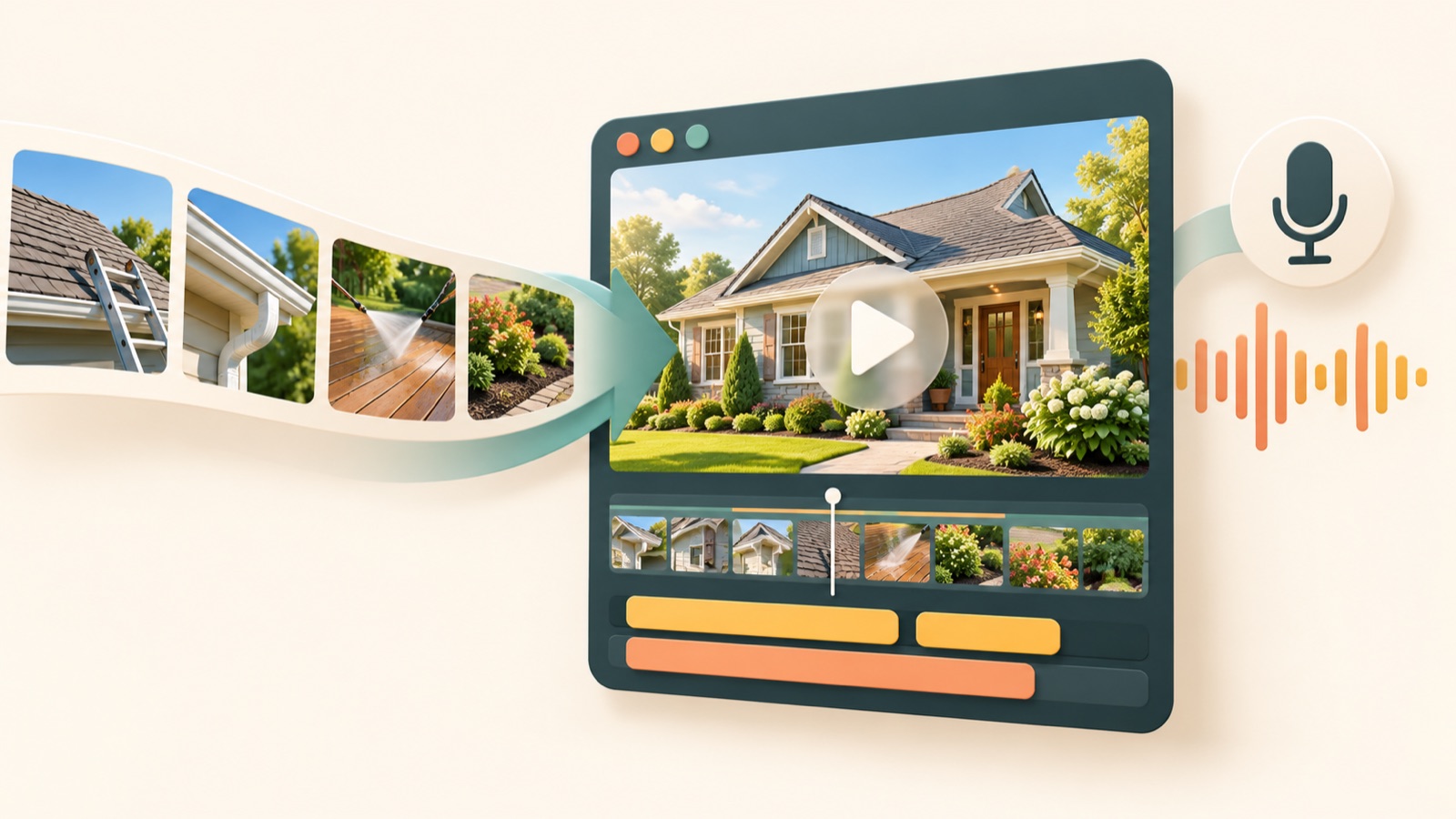
The criteria for choosing video ad tools for home service businesses are the condition of your existing assets and the time you have to edit them yourself. If you have photos and clips but no ad structure, start by considering AdForge; if you have time to edit, consider Clipchamp; if your video and script are ready, consider Creatify. Below are five options covering standalone use and combinations of these three tools. Drawing on a question from an agency whose clients cannot provide additional footage and a question from a handyman business owner looking to add narration to job videos, this article also explains how to prepare your first Facebook ad.12
1. AdForge — When You Need Help Structuring the Ad
AdForge is our service, and we run this blog. It is an ad remake app that lets you choose an ad you like, add your existing product photos, videos, and messaging, and create new video and image ads. It uses elements such as the opening hook, progression, visual layout, and call to action as a reference, making it suitable for business owners who have job-site assets but are unsure what order to present them in. For videos, you can use AI scripts and storyboards, English narration, word-level captions, and background music.
The workflow starts with ad discovery. Search for and save reference ads from the Meta and TikTok ad libraries, then review the analyzed hooks and progression. In the remake workflow, upload the photos and videos you want to use and enter your service description and selling points. In a hypothetical example, a pressure washing company could add its service area and a request-a-quote message to assets from an actual driveway job. Select English as the language for the generated script, narration, and captions, review and edit the script and storyboard, then check and download the result.
The advantage is that you can move production forward without writing the script, filming, or editing yourself. However, you will need to review the output to see what scenes it produces from your home service assets. Correct any wording that does not match the work you actually provide, and check that you have the rights to use the uploaded assets. Video ads require a paid plan, and you must upload the finished creative to your ad account yourself. Campaign setup, delivery, and performance tracking take place in your existing ad management tools.
2. Clipchamp — When You Want to Set the Scene Order Yourself
Clipchamp is an option for converting a script to speech and adding narration during video editing. It also lets you upload a video, generate and edit automatic captions, and download the video and an SRT caption file.34 It suits marketers who have time to decide the order and length of job scenes and can write their own copy. Consider it when you need to execute an edit rather than develop an ad idea.
In a hypothetical example, a handyman business could arrange the video to show the area that needs repair, clips of the actual work, and a photo of the finished result, in that order. The English script should cover the work offered, the service area, and how to get in touch. The advantage is that you can handle narration and captions during production.34 However, the features verified for this article focus on voice and captions. If you also want to reduce the burden of deciding which scenes to keep, AdForge's reference-based production approach is worth comparing.
3. Creatify — When You Want to Add Voiceover and Captions to Existing Clips
Creatify is an option to consider for adding voiceover and captions to existing clips and a script.5 It suits business owners and agency marketers who already have job footage to show and have decided on the video's core message. The deciding factor is how ready your assets are, rather than how many you have. If you have a clip that clearly shows what is being worked on and the process, even if it is short, adding an explanation may come before building a new structure.
In a hypothetical example, if an HVAC company has footage of an actual inspection, write a script that explains the work visible in the video and encourages inquiries. The advantage is that you can start with existing clips and a script and add voiceover and captions.5 The limitation is that those features alone cannot make up for missing evidence of the work or an inaccurate service description. Also check whether the English voice pronunciation and caption output suit your purpose. If you need to work out the ad's progression from photos and fragmentary assets, it makes sense to consider AdForge first.
4. Creatify and Clipchamp — When You Want to Separate Voiceover Production and Caption Review
The fourth option is a combination that separates adding an explanation to an existing video from reviewing captions, rather than recommending another tool. Creatify offers features for adding voiceover and captions to existing clips and a script, while Clipchamp provides automatic caption generation and editing for uploaded videos, along with video and SRT downloads.54 Agencies can consider this approach when several people need to review the same English wording or when a caption file needs to be delivered separately.
Start by obtaining the video with voiceover created in Creatify, then, if needed, upload it to Clipchamp to generate and edit captions. This combination does not assume an automatic integration. The advantage is that it provides a way to review and deliver the video and a separate caption file.4 The limitation is the extra work of transferring files and checking the results again. If editing the captions on an existing video is all you need, finishing in one tool is simpler.
5. AdForge and Clipchamp — When You Need Both Ad Structure and a Separate Caption File
The fifth option is to create the ad in AdForge and add Clipchamp when you need a separate caption file. Use your reference and existing assets in AdForge to create and review an English video ad, then download it. You can then upload the video to Clipchamp, generate and edit captions, and download an SRT file.4 This suits marketers who need help structuring the ad and must deliver both the video and a caption file to a client.
The advantage is that you can address the ad structure and the caption file delivery requirement separately. The limitation is the additional review time. If the AdForge output already includes captions, check that they do not overlap on screen with the captions created in Clipchamp. If you do not need a separate file, you can finish production by reviewing and downloading the result in AdForge. For your first ad, focus on one service and one inquiry action, and prepare a comparison version using the same actual job assets with different opening copy.
Key takeaways
Consider AdForge if you need help developing the ad's progression, Clipchamp if you have time to edit yourself, and Creatify if you want to add voiceover and captions to prepared clips and a script. Consider combining tools only when you need a separate caption file, and prepare your first ad using actual job assets and a single service.
FAQ
What should I choose first if I only have job photos and very little video?
First, decide whether you also need help structuring the ad. AdForge is an option for creating reference-based ads from photos, videos, and messaging. Choose photos that can explain the actual work, and check that the generated result matches the services you provide.
What should I include in an English script?
Start by defining the service you offer, your service area, and how to get in touch. In a hypothetical example, a pressure washing company could pair driveway cleaning footage with a description of that service and a request-a-quote message. Do not include unverified job completion times or customer testimonials.
Do I have to use Clipchamp and Creatify together?
There is little reason to use them together if one tool can produce the result you need. Consider a combination when you need a separate caption file or an additional review step. Clipchamp offers caption editing and SRT downloads.4
Can AdForge also run my Facebook ads?
There is no feature for automatically launching ads in your ad account yet. Download the finished creative and upload it to your ad account yourself, then use your existing ad management tools for campaign setup, delivery, and performance tracking.
Make your next ad with AdForge
AdForge (ad-forge.io) is an ad remake app: pick an ad you like and rebuild it as a video or image ad for your own product. Find references in the Meta and TikTok ad libraries, let AdForge write the script, AI narration and captions, then review and download. Every account starts with 12 free image ads.