5 Advertising Appeal Examples: Create Different Ads with the Same Product Photo
The same product photo can become a different ad depending on whether you lead with price, a distinguishing feature, or a customer concern. These hypothetical tumbler examples show how to change the copy and layout, along with the steps for creating ads in AdForge.
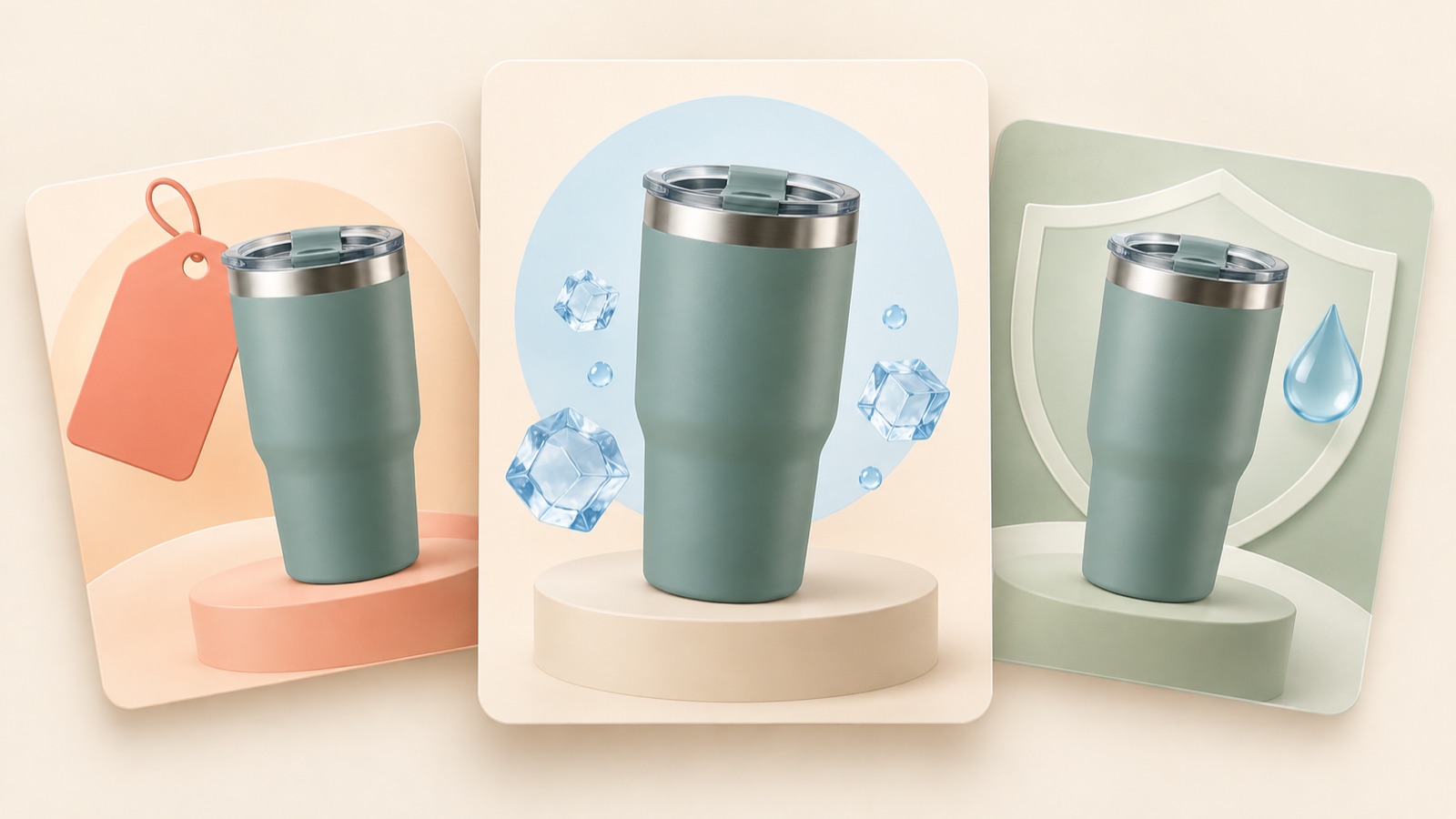
Choosing an advertising appeal means deciding which reason to buy the same product you will show first. For a price-led ad, make the purchase terms prominent; for a feature-led ad, highlight a distinguishing feature; for a customer-concern-led ad, start with the situation where the product is needed. A question from a marketer in Korea also raised the production challenge of deciding whether to prioritize price and discounts, distinguishing features, or customer concerns.1 Below are five hypothetical examples using the same tumbler photo. They explain how to change the copy and layout together, including what to enter in AdForge, so you can put the approach into practice.
1. Price and discounts: Make the offer prominent
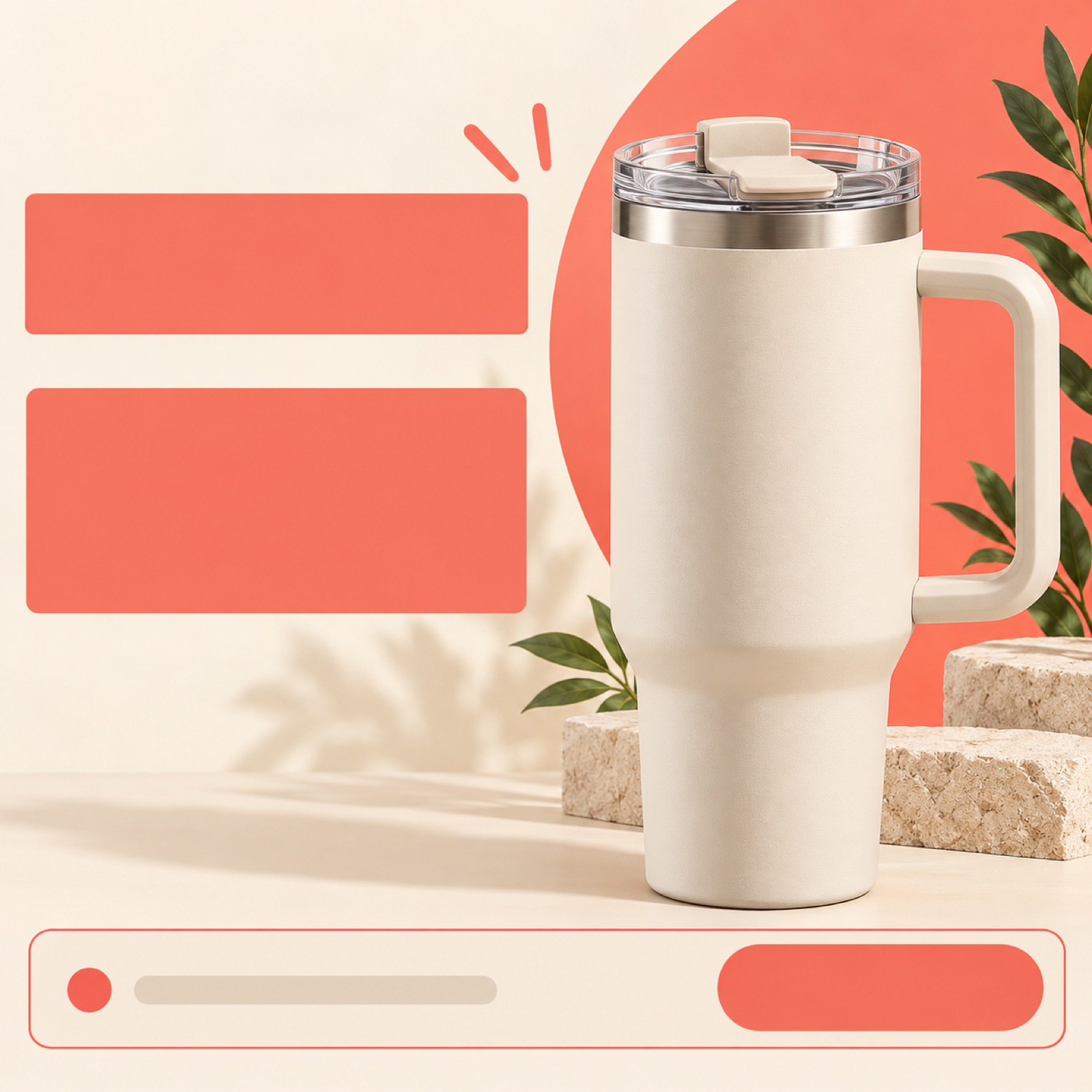
This is a hypothetical example. Assume the tumbler normally sells for 29,000 won and is available for 23,200 won during a promotion. Place a large product photo on the right against a light cream background, with “The tumbler you’ve had your eye on, 23,200 won this week” on the left. Keep the original price small and make the promotional price the largest element. Below it, add the actual promotion end date and “See the promotional offer.” The creative hypothesis is that this layout helps people who have been considering a purchase quickly understand the offer.
To apply this to your product, first replace the selling price, discount conditions, and promotional period with your actual information. In AdForge, choose a reference that makes the price prominent, then add your actual product photo and promotional message to create an image ad. Compare the three concepts generated in one batch to see whether the price or the product catches your eye first. In your input, state the priorities, for example: “Place the product photo on the right and make the promotional price the largest element on the left. Put the offer conditions at the bottom in an easy-to-read format.” Update the copy whenever the purchase terms change.
2. Product differentiation: Zoom in on one feature
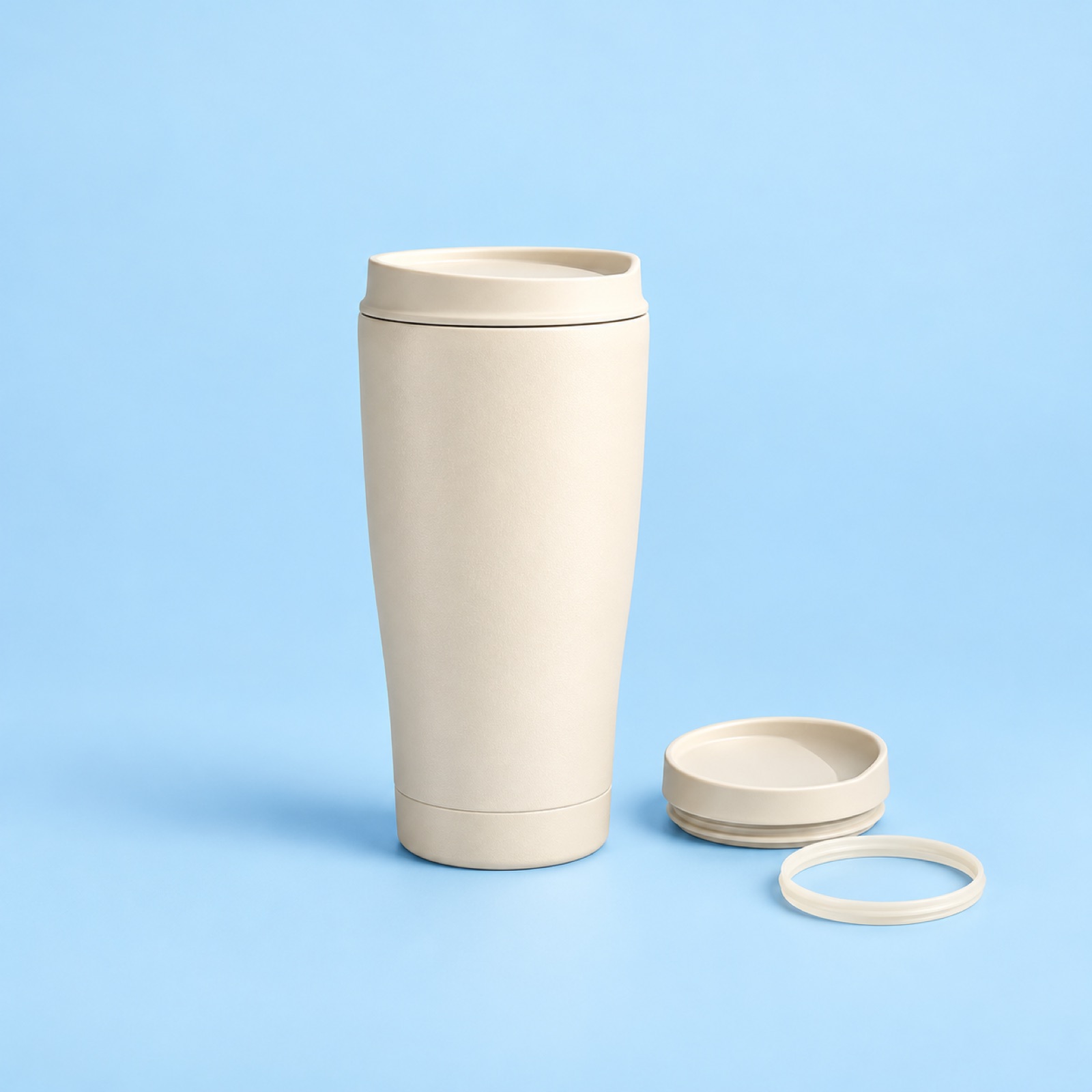
This is a hypothetical example. Assume this tumbler has a lid that can be taken apart for cleaning. Place a photo of the whole product in the center against a pale blue background, with a smaller photo of the actual disassembled lid beside it. Use “Take the lid apart to clean inside” as the headline and “See the lid design” as the call to action. This shows the structure that makes the product convenient instead of relying on an abstract description such as “a convenient tumbler.” It gives customers a specific reason to choose the product without claiming superiority over competing products.
Choose one verifiable feature of your product. Consider whether a photo can explain something customers may want to know before buying, such as its size, material, or opening and closing mechanism. In AdForge, prepare a photo of the whole product and materials showing its actual structure, choose a reference with a layout that highlights the feature, and enter your appeal. Check that the actual component shapes and how they fit together are accurate in all three concepts. If you only have a photo of the whole product, it is better to change the message to a feature visible in the available photo than to have an unseen internal structure imagined and drawn.
3. Customer concerns: Start with a frustrating moment
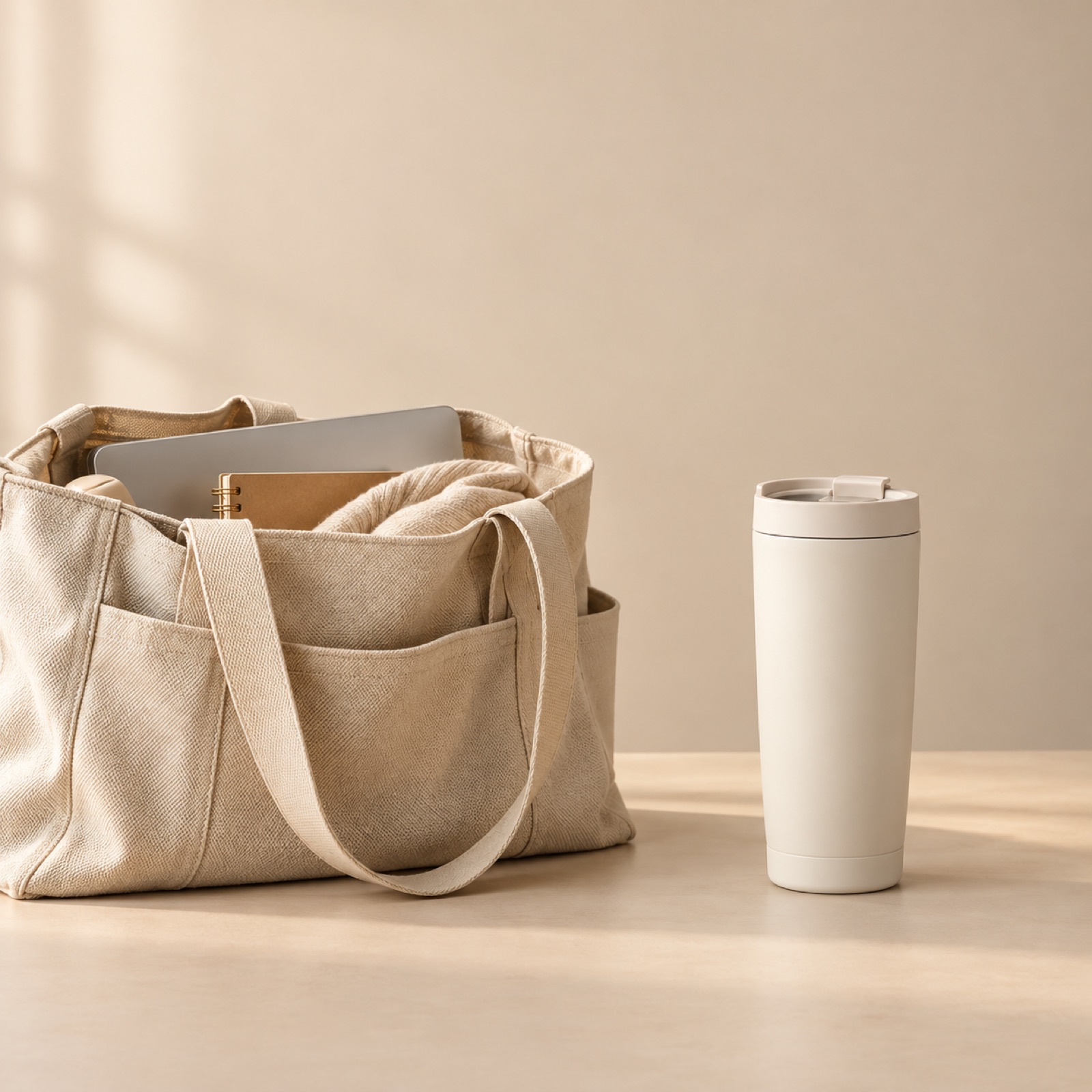
This is a hypothetical example. Define the customer concern as “It’s hard to choose a tumbler for my work bag.” Place an open bag against a beige background, with the same tumbler photo standing beside it. Start the top copy with “Looking for a tumbler for your work bag?” At the bottom, add the verified product dimensions and “Check the size.” This layout follows a question that acknowledges the concern with information that helps customers decide. Keep the wording specific so that the impression of fitting inside a bag does not also imply leak resistance or compatibility with every bag.
When adapting this to your product, go beyond “customers find this inconvenient” and describe when, where, and what is troublesome. In AdForge, choose a reference centered on an everyday scene, then enter your product photo and the situation: “A customer who wants to check the size before putting the tumbler in their work bag.” Review the three generated concepts to make sure the relative sizes of the bag and product are not misleading. If accurate proportions are difficult to show, choose a layout with the product and bag side by side and communicate the actual dimensions in the copy.
4. Usage setting: Show where the product belongs
This is a hypothetical example. This time, lead with the product in use on a desk instead of purchase terms or a customer frustration. Against a light gray desktop background, add a small notebook and keyboard, then place the same tumbler photo in the center foreground. Use “On your desk as the workday begins” as the headline and “See colors for your desk” as the bottom copy. Make the surrounding props smaller and less sharp than the product. This layout helps readers picture a place for the product in their own lives. The key is to show the product’s color and shape large enough that the ad communicates more than atmosphere.
Choose one place where your product is frequently used. In AdForge, select a reference that clearly shows the relationship between the product and surrounding props, then add the same product photo and a message about the usage setting. When comparing the three concepts, check whether the product catches your eye before the attractive background. Meta Blueprint describes creative diversification as varying visuals and messages as well as formats, and also covers the use of existing assets.2 This example likewise changes both the reason to buy—where the product will be used—and the visual composition, rather than simply changing the background color.
5. Decision support: Organize the information shoppers want before buying
This is a hypothetical example. The final concept starts with “Check the size before you buy.” Place the same tumbler photo in the center against a white background, with brief labels showing the actual height and diameter beside it. Add “See detailed dimensions” at the bottom. This layout assumes that product dimensions are available. While the price-led example shows the offer and the concern-led example shows when the product is needed, this example puts an answer needed for the purchase decision front and center. The aim is to answer one question clearly instead of filling the image with multiple benefits in small print.
The steps in AdForge are as follows. On the product information screen, paste the product page address to populate the information, then check that the dimensions and appeal match your actual materials. When choosing a reference, select an image ad with information organized beside the product. Upload your product photo and add the message “Show the height and diameter first to customers who want to check the size,” then create the ad. Image ads use the reference layout and your actual product photo to generate three concepts. Check the numbers, units, and product shape in the results, then download the concept you want to use.
To make your ad creative prompt more specific, write it in this order: “Whose question are we answering, what facts have been verified, and where should the product and copy go?” For this example: “Customers checking the size before buying, use the actual height and diameter, product photo in the center with dimensions beside it, white background, See detailed dimensions.” Also check that you have permission to use the uploaded materials. After downloading the finished image, upload it directly to your ad account. If you compare it with price-led, feature-led, and concern-led concepts, label each concept with the reason to buy it communicates to make future creative decisions easier.
Key takeaways
To change the advertising appeal while using the same product photo, change the copy and layout together to match the reason to buy. Make the offer prominent for price-led ads, show a verifiable feature for differentiation, and present a specific situation for customer concerns. In AdForge, you can create concepts using references and messages for each appeal, review the results, and download them.
FAQ
Which advertising appeal should I start with: price, distinguishing features, or customer concerns?
As a starting hypothesis, show the offer first to customers already considering a purchase, and show a feature or a situation where the product is needed to customers seeing it for the first time. Use actual ad results to determine which approach works better.
Can I create image ad creative with just one product photo?
You can vary the copy hierarchy, product placement, background, and call to action using the same photo. However, do not present internal structures absent from the photo or unverified usage scenes as facts about the product.
Do the three concepts AdForge generates represent three different advertising appeals?
When creating an image ad, AdForge generates three concepts following the reference layout. To compare price-led, feature-led, and concern-led appeals, create a separate new ad for each with a message suited to that appeal.
What should I include in an ad creative prompt?
Include the customer’s situation, one reason to buy, verified product information, your desired layout, and a call to action. For example, “Show the actual size to customers looking for a tumbler for their commute, with dimensions beside the product” makes your creative intent clear.
Make your next ad with AdForge
AdForge (ad-forge.io) is an ad remake app: pick an ad you like and rebuild it as a video or image ad for your own product. Find references in the Meta and TikTok ad libraries, let AdForge write the script, AI narration and captions, then review and download. Every account starts with 12 free image ads.