Product demo videos for social feeds: Show what shoppers need to check
A useful demo shows the setup, the action, the visible result, and what the footage cannot establish.
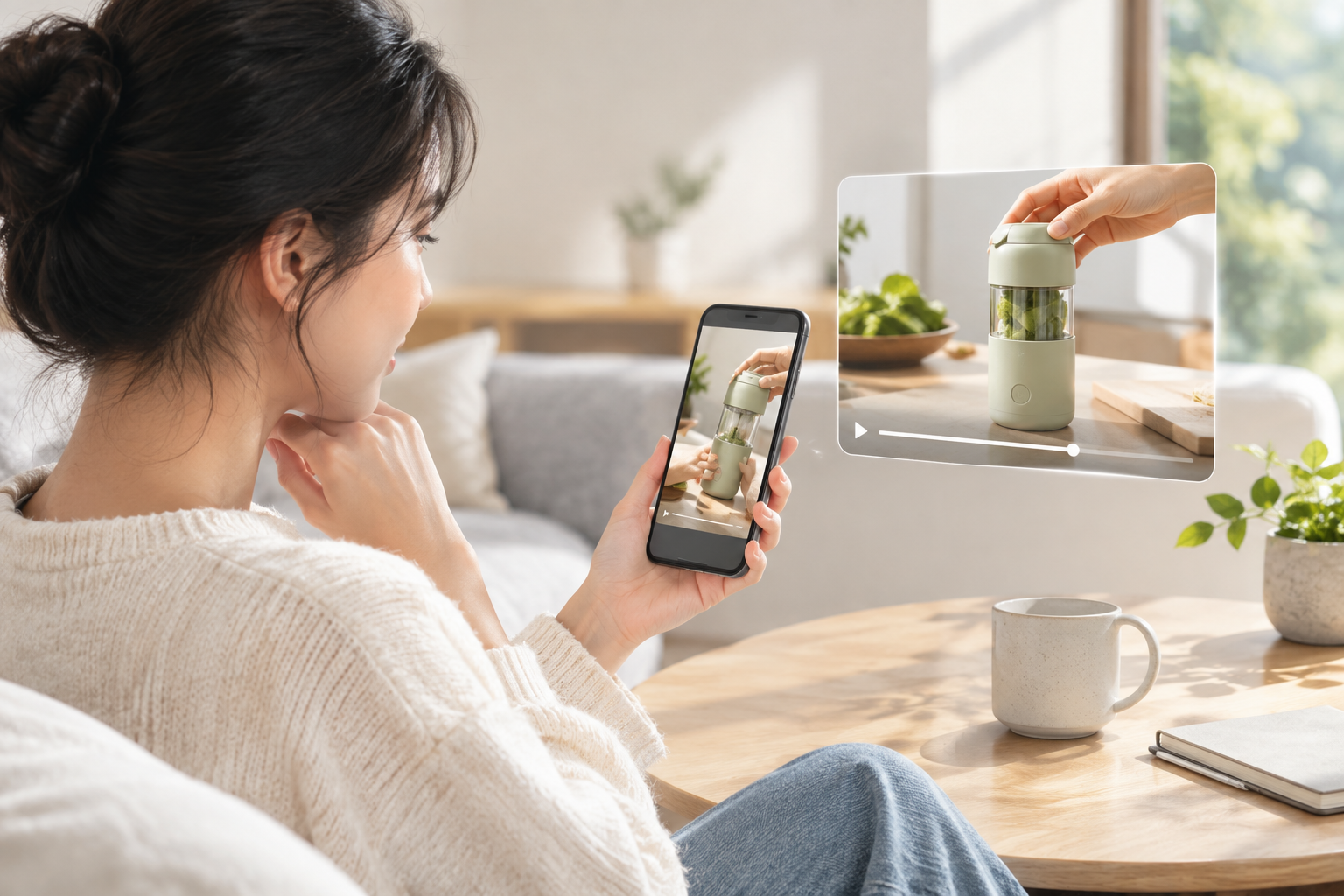
Product demo videos in a social feed have a practical job: help a shopper decide whether to investigate a product further. Rather than listing benefits, show what someone does with the product and what visibly happens. That distinction matters: Synthesia’s guide to demo examples describes demos as answering “how does it work?”, while explainer videos address what a product is and why it matters.
What product demo videos should show
Build the clip around a question a shopper could reasonably ask:
- Where and with what is it used? Show the product beside the surface, device, or other object it interacts with. If fit matters, include verified dimensions or compatibility information rather than relying on camera perspective.
- What does the user actually do? Keep the decisive installation or operating step on screen. A cut straight to the finished state hides the effort a shopper may want to assess.
- What result is visible? Give viewers a moment to inspect the outcome. A caption should not claim a performance result that the footage or verified product information cannot support.
- What remains unknown? A short clip may not settle questions about fit, durability, or included parts. Direct viewers to the relevant, checked product details instead of implying the video proves everything.
Real demos illustrate different ways to make an action legible. Synthesia describes a Claude Cowork demo that moves from a request to summarize meeting transcripts to the app accessing files and working with a calendar. The useful lesson for a shorter feed clip is to preserve the link between a user’s action and the on-screen response. Consensus describes Vivint demos featuring actual customers using home systems; the setting helps establish what use looks like in context. Its account of a Salesforce 1 demo highlights features paired with their effect on a sales rep’s routine. These are examples described by the cited publishers, not evidence that any one format increases purchases.
A hypothetical storyboard, not a published ad: For a desk cable holder, open on the intended spot on a desk. Show a person placing the holder, inserting a cable, then removing it, without skipping the key motions. End with the product’s verified dimensions and any confirmed surface requirements. Do not label it universally compatible or make a holding-strength claim unless those statements have been checked.
Before posting a shoppable video, compare the item shown with the linked product listing. Check every specification and caption against confirmed information; if customer words or footage appear, verify permission and accuracy. A good demo does not have to answer every buying question. It should make clear which ones the viewer can answer from the clip—and which require the product details.